How many calls does your call center miss on a busy Tuesday morning?
If you don’t know the answer, you’re not alone. With a single phone number listed in the phone book, you answer calls when you can, and the rest go to the competitor next door. Every busy line means an empty slot in your schedule.
The problem isn’t your team. It’s the lack of structure in how you handle incoming calls.
Here’s how to build a true cloud-based solution for your business phone system: routing by call type, IVR during business hours, and KPIs to help you take control instead of being at the mercy of the system. We’ll walk through the architecture, site by site, and the criteria you should evaluate before making your decision.
Why Your Phone Answering Service Determines Your Vehicle Inspection Center’s Occupancy Rate
You run an auto inspection center, and you already know this: the phone never stops ringing. Appointment requests, questions about turnaround times, hours of operation, and follow-up inspections. And during peak times, your line gets overwhelmed.
Here’s what that really costs you.
When a driver gets a busy signal, they don’t leave a message. They hang up and call the center next door. According to customer service studies, nearly one in two callers eventually gives up when they can’t reach someone. And three out of four people hang up if the wait time drags on.
Every missed call is an empty slot in your schedule. Do the math for a week of high demand.
Let’s say you miss 15 calls a day during peak hours. Assuming that one out of every two calls was from someone trying to make a reservation, that adds up to about 50 missed appointments over the course of a week. Those time slots go straight to your competitor, without you even realizing it.
The problem is that with a single phone number listed in a directory, you have no way of measuring anything. You don’t know how many calls come in, at what time the lines get overwhelmed, or how many go unanswered. You’re flying blind.
That’s where a true technical support call center system changes the game. The key is to structure the call-handling process so you answer at the right time and route each request to the right agent.
Your concrete goal: aim for an 85–90% answer rate within one minute and thirty seconds. Anything less means you’re leaving money on the table.
To achieve this, you need to move away from a makeshift setup and switch to a cloud-based call center designed to handle peak volumes. We’ll explore how in the following sections.
How many calls does your call center actually miss each day? If you don’t know the answer, that’s already a red flag.

Find out how Kavkom, the 100% cloud-based business phone system, helps you secure more appointments.
Schedule a demo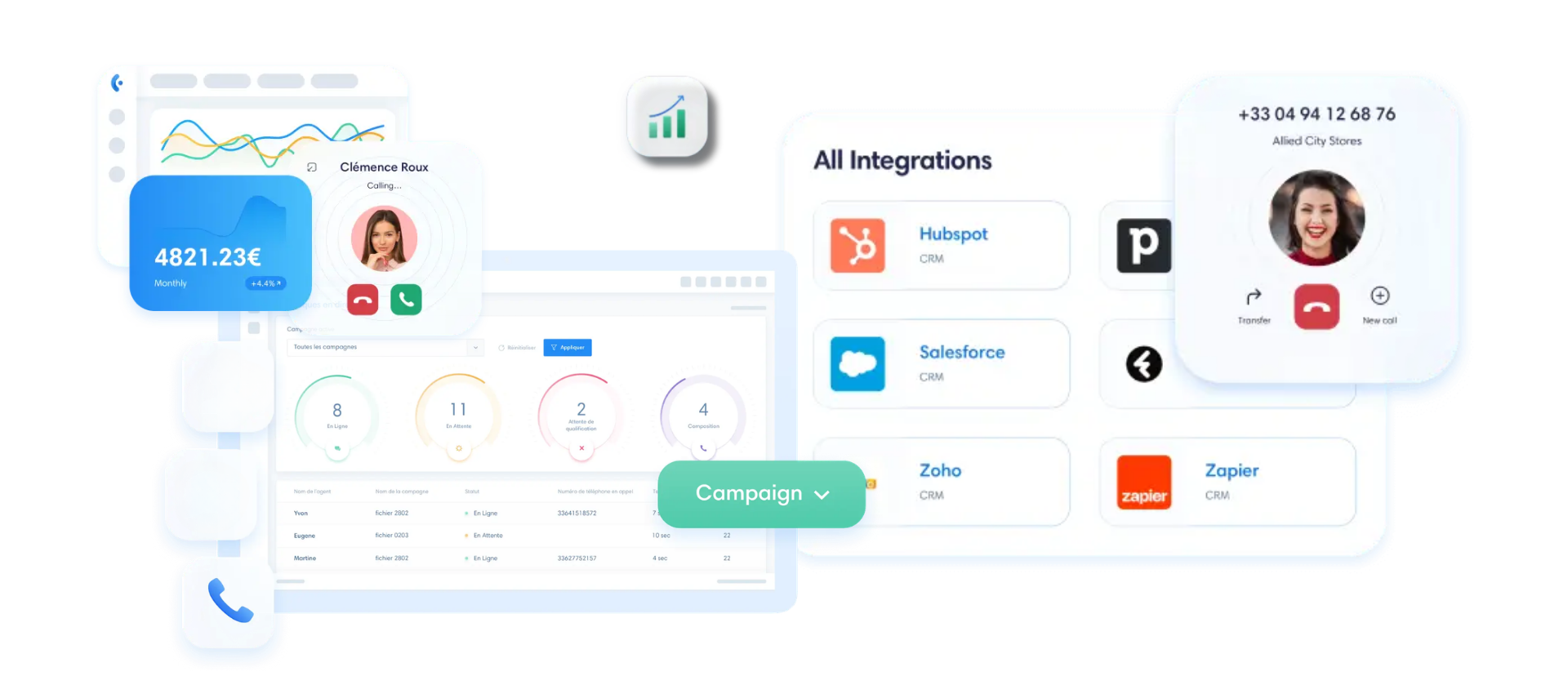
How to Structure Your Cloud PBX: The Ideal Architecture for One or More Locations
Before we talk about routing, let’s get one thing straight: you don’t need to install any hardware.
Many business owners still picture a big PABX box in a closet, with a technician coming in to run cables. But with a cloud-based phone system for auto service centers, everything runs over the Internet. You set up a virtual number for your vehicle inspection center, and it works from a computer, a cell phone, or an existing IP phone.
A quick clarification on terminology: we’re talking about a landline number, not a landline phone. It’s a geographic number associated with your area (a 04 in Lyon, a 02 in Nantes), accessible via VoIP without a SIM card or dedicated cable. If one of your agents prefers a real handset on their desk, they can simply plug in a compatible IP phone, and that’s it. It’s included at no extra cost.
Now let’s look at the actual architecture, depending on your situation.
For a single call center, the logic is simple. All calls come in to your main number, go through a queue, and are distributed among your available agents via a call group. When everyone is busy, overflow kicks in: the call is routed to a secondary agent or to a message offering a callback. No one is left hanging.
With Kavkom, you can set up this system through the interface in just a few minutes. VoIP telephony for automotive control centers includes call collection, call queuing, and automatic call transfer—all without any additional modules to pay for.
Now, let’s consider a multi-site scenario. That’s where things get interesting.
Let’s say you manage three centers. You can centralize all incoming calls through a single number and then route them locally: each caller is routed to the nearest center based on their selection from the menu. Or, conversely, you can keep a local number for each site with cross-site overflow. If Vénissieux is busy, the call goes to Décines, and you don’t lose the appointment.
The advantage is flexibility. Adding a fourth location tomorrow? Just create its virtual number and integrate it into the existing routing. No need to wait for a technician, no installation work required.
Now that we’ve covered the basics, let’s get to the heart of the matter: the IVR and the scheduling rules that filter your calls.
👉 Request a free Kavkom demo to learn how a cloud-based VoIP switchboard works.
Set up an IVR and intelligent call routing to guide each driver
You have your cloud-based call center set up. Now you need to make it work for you.
The idea is simple: qualify every call from the very first second, route it to the right agent, and keep things running smoothly even when the center is closed. Let’s see how to set up these three key components without spending a single extra euro.
The Interactive Voice Response (IVR) system to determine the reason for the call
The IVR (Interactive Voice Response) is that little voice menu that greets the caller: “Press 1 to schedule an appointment, 2 for a follow-up visit, 3 for rates and hours.”
It may seem trivial. But it’s what makes all the difference in your technicians’ workload.
Let’s look at a real-life example. A driver calls just to find out your closing time on Saturday. With a well-configured voice menu, they get their answer via a prerecorded message, without tying up anyone at the shop. Your agents, on the other hand, handle only the calls that really matter: actual appointment requests.
This call screening process takes the pressure off the front desk. During peak times, your technician no longer has to rush to answer ten questions about wait times between appointments. Instead, they answer the call from a customer who has already been directed to them and knows why they’re calling.
With Kavkom, the customizable interactive voice response system is included in all plans. You record your messages, configure your menu options, and set up the customer journey in just a few seconds. No optional modules, no extra costs.
Smart routing to direct calls to the right representative or schedule
Once the reason for the call has been identified, the call still needs to be routed to the right place.
This is the purpose of call routing for scheduling appointments. Depending on the key pressed, the caller is routed to the appropriate agent. A heavy-duty truck or a utility vehicle has different requirements than a passenger car: you can route these requests to the agent or line that handles that type of vehicle.
And when multiple agents are available to answer, the call group takes over. The call rings at the first available agent, then switches to the next one if that agent is busy. Load balancing happens automatically, and no one is left waiting on an endless ringing tone.
Here’s what makes the process truly seamless: integration with your appointment scheduling calendar. When the customer’s record appears on the screen via the CRM integration, your agent sees the vehicle’s history and can immediately suggest an appointment slot. No more manual data entry, no more back-and-forth.
👉 Schedule a free, personalized demo of Kavkom’s IVR system.
Automated Call Handling Outside Business Hours
Your customers don’t just call during business hours. Many try calling in the evening or on Sundays, between trips.
If the line rings unanswered, that appointment is lost. That’s where automatic call routing comes in.
With a properly configured IVR system tailored to your vehicle inspection center’s hours, your scheduling rules handle this automatically. After 6 p.m. or on Sundays, the call is routed to a personalized message: “Our center is closed. Please book online or leave your contact information.” ” The driver knows what to do instead of hanging up in frustration.
You can take it a step further. The message can redirect the customer to your booking page or offer to call them back as soon as the next time slot becomes available. The automatic callback captures the customer’s intent as soon as it arises, and your team handles it as a priority the next morning.
Over the course of a month, that adds up to dozens of time slots you would have otherwise missed out on.
And all of this can be set up from the Kavkom interface in just a few minutes—with no commitment and prorated billing. You can adjust your service hours whenever you want, without calling a technician.
Measure and optimize the performance of your phone reception
You’ve set up your switchboard, configured the IVR, and structured the call routing. But how do you know if it’s really working?
Without metrics, you’re just winging it. With proper monitoring, you can see exactly where things are falling short and make adjustments. Let’s explore what to measure, how to train your agents, and how to ensure everything remains compliant.
Key Performance Indicators (KPIs) to Track in Real Time
The first metric to monitor is the answer rate. Your target: 85 to 90% of calls answered. Below that, drivers hang up—and every hang-up means a potential appointment lost to a competitor.
Also keep an eye on the abandonment rate—that is, the percentage of callers who hang up before someone answers. If it’s rising, your call queue is too long.
Also look at the average wait time and the average call duration. Is the wait time getting longer on Tuesday mornings? That’s a clear sign of your staffing needs.
Analyzing call peaks can transform your operations. If your call statistics show a surge between 9 a.m. and 11 a.m., assign an additional agent to the front desk during that time slot. Stop reacting—start planning ahead.
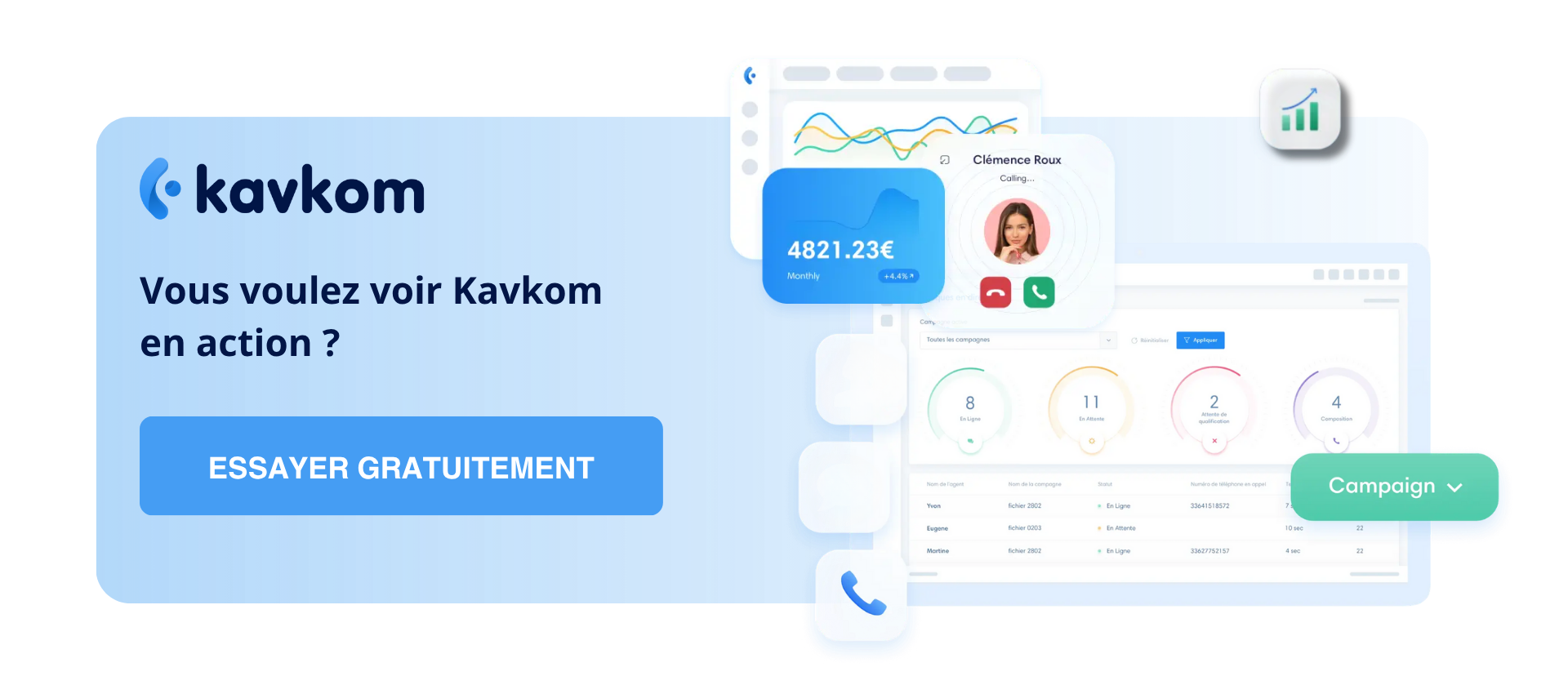
To manage these incoming and outgoing call flows at your center, Kavkom includes built-in dashboards. Call volume, answer rate, breakdown by agent—it’s all there, in real time, without needing to upgrade to a premium plan.
👉 Kavkom is compatible with all your tools. Request a personalized Kavkom demo to learn more.
Call Recording to Train Your Teams
An agent new to the front desk doesn’t yet have the instinct to schedule appointments smoothly. It’s a skill that can be learned.
Call recording becomes your best training tool. You listen back to the new agent’s own conversations with them, pointing out what’s holding them back: speaking too fast, forgetting to rephrase something, or suggesting an unsuitable time slot.
You can also take it a step further with dual listening. In whisper mode, you listen to the call in real time and whisper advice to the agent, without the driver hearing you. It’s real-world coaching with a real customer.
The result for the customer service experience: your agents work faster and with greater clarity. They answer a call that has already been routed by the IVR, confirm an appointment slot in thirty seconds, and the customer hangs up satisfied.
And when a dispute arises (a customer disputes an appointment or a schedule), the secure recording settles the matter. You can listen to the conversation again and know exactly what was said. No more he-said, she-said.
Call Data Security and GDPR Compliance
Recording calls involves handling personal data. So it’s all in good order.
First step: inform the caller. A message at the start of the call or via the IVR is sufficient to indicate that the conversation may be recorded. This is a requirement, not an option.
On the technical side, your communications are encrypted and hosted in a secure cloud. No one can access the recordings without authorization.
And that’s where granular access rights matter. With Kavkom, you assign a role based on profile: an agent makes and receives calls, a supervisor listens in and views statistics, and the admin manages everything. Everyone sees only what they’re supposed to see—nothing more.
Full traceability and GDPR compliance are built into the platform. If a customer requests that their data be exported or deleted, you can respond in just a few clicks—no tinkering required.
Managing your customer service goes beyond simply answering more calls. You measure performance, provide training, and ensure security—so that every call turns into a confirmed appointment.
How to Choose Your Technical Support Call Center Service Provider
You now have a clear idea of what a good cloud-based call center system can do for your center. All that’s left is to choose the right provider. And when it comes to that, not all providers are created equal.
Three criteria make all the difference day-to-day. Let’s go over them so you know what to check before signing anything.
First point: contractual flexibility. Be wary of offers that lock you into 12- or 24-month contracts. A vehicle inspection center experiences seasonal peaks, and your line requirements fluctuate.
With Kavkom, there’s no commitment, and billing is prorated. You can cut a line in August when the team is smaller, and you only pay for the time you actually use. Compared to a provider that offers a 25% discount in the summer, you still come out ahead: you pay only for what you use. No minimum number of lines, no hidden fees, no cancellation fees.
Second criterion: integration with your business tools. If your agent has to manually copy down every number, you’re wasting a tremendous amount of time at the front desk.
Automatic customer record retrieval makes all the difference here. When a customer calls, their record appears on the screen along with the vehicle’s history, thanks to the CRM integration. Kavkom natively connects to the leading CRMs on the market (Zoho, Salesforce, HubSpot, Pipedrive, Zendesk) and also offers its own integrated CRM. Be sure to check that your current tool is compatible.
Third, and by no means least: the quality of support. When your switchboard goes haywire on a busy Tuesday morning, you don’t have time to wait 48 hours for a response via a support ticket.
Kavkom’s support team is made up of real people. No chatbots, no mandatory self-service. You can reach a real person by phone, email, or WhatsApp, with remote assistance via AnyDesk if needed. What matters most is that our teams are available and respond quickly when you’re stuck.
One final key detail: compatibility with physical IP phones. If an agent prefers a real handset on their desk, they can plug in a compatible IP phone. At Kavkom, this is included at no extra cost, whereas elsewhere it’s often a paid option.
Here’s your checklist. A VoIP phone system for a vehicle control center that’s worth the investment checks these three boxes: flexible, integrated, and backed by responsive support. The rest is just details.
The best way to decide is to see the technical control center’s phone system in action under real-world conditions. Request a demo, test the routing, and check out the dashboards. You’ll know within fifteen minutes if it’s a good fit for your organization.
Boost the productivity of your center’s teams with Kavkom, the 100% cloud-based business phone system.
Schedule a demo
Key Takeaways for Your Center
- A cloud-based call center eliminates missed calls by automating call queuing and call overflow across your various locations or agents.
- The IVR immediately categorizes call reasons, allowing your teams to focus on high-value appointment requests.
- KPI-driven management (answer rate, wait time) transforms your call center into a metrics-based tool for adjusting staffing levels in real time.
- Cloud-based centralization ensures flexible management without the need for physical hardware, while guaranteeing full compliance with GDPR requirements.
Organizing your phone system goes far beyond simply switching tools. You’re turning every incoming call into an opportunity for a confirmed appointment. By switching to a 100% cloud-based solution, you regain control over your schedule and provide your customers with a seamless and professional experience. If you’d like to learn more about the technical transition, our guide on how cloud-based phone systems work will help you prepare for this upgrade. You can also check out our comprehensive guide to setting up a virtual call center to manage your teams more effectively.
Ready to reduce your missed calls and take control of your business? You can book a free demo right now to see firsthand how Kavkom adapts to the needs of your vehicle inspection center—with no obligation.