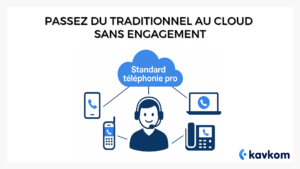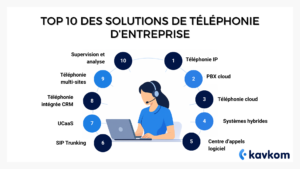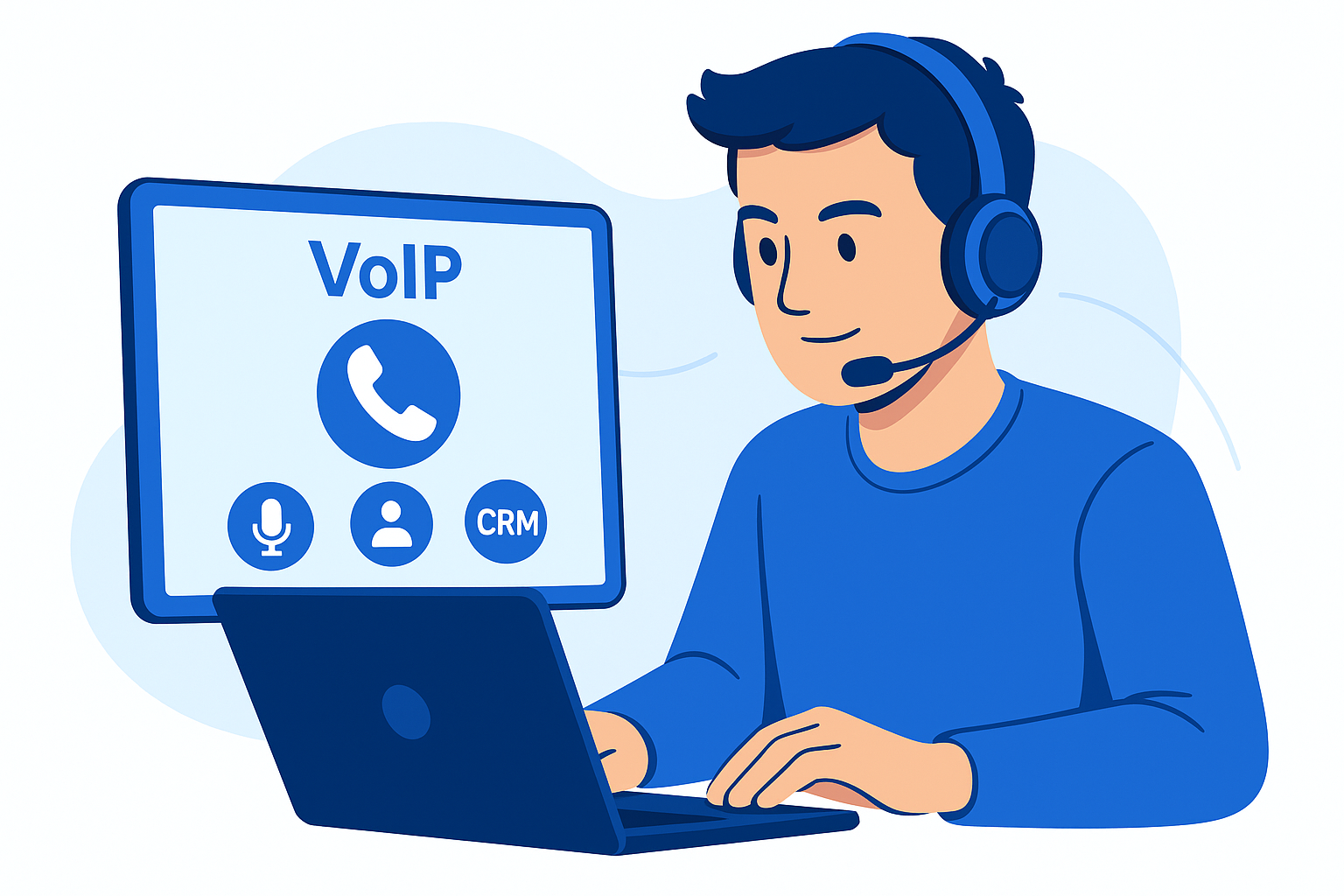
In concrete terms, your teams can make and receive calls from a computer, smartphone or IP phone, while retaining a business number.
But one question often comes up. How do you get a VoIP number for your business?
How much does it cost?
And how do you set it up correctly for a sales team or customer service department?
In this guide, you will discover :
- what a VoIP number really is
- how to get one quickly
- how to integrate it into your business tools
- and how to choose the best solution for your organization.
Some cloud platforms, such as Kavkom, now make it possible to activate a business VoIP number in just a few minutes, without the need for hardware or complex installation.
Points to remember :
- A VoIP number works via the Internet, without the need for a fixed line or heavy equipment. It lets you make and receive calls from anywhere, with HD quality and a simple interface.
- The benefits for your company are tangible: costs reduced by up to 50%, total flexibility, and seamless integration with your business tools (CRM, support, etc.).
- Migration is carried out in 5 stages: needs assessment, choice of supplier, number portability, solution configuration, then testing and training.
- Integration with business tools is the key to boosting productivity: customer file that goes back to the call, automated reminders, real-time supervision…
- Kavkom stands out for its simplicity: rapid activation, CRM integration, human support and no-commitment packages tailored to SMEs and call centers.

What is a VoIP number?
A VoIP number is a telephone number that operates via the Internet rather than the traditional telephone network.
Voice is converted into digital data and transmitted over the IP (Internet Protocol) network.
This makes it possible to make and receive calls from different connected devices.
For example:
- a computer
- a smartphone
- a softphone (computer calling application)
- or a compatible IP phone.
Unlike traditional telephone systems, a VoIP number is not tied to a physical line.
It remains accessible anywhere, as long as an Internet connection is available.
Basic principles
A VoIP number works on a simple principle.
When a call is made :
- voice is converted into digital data
- these data are transmitted via the Internet
- the VoIP platform redirects them to the recipient.
This makes it easy to add advanced features:
- intelligent call routing
- conversation recording
- team supervision
- CRM integration.
These tools are particularly useful for sales teams or customer service departments who have to manage a high volume of calls.
Differences from traditional telephony
| Traditional telephony | VoIP number |
|---|---|
| Uses the conventional telephone network | Operates over the Internet |
| Physical installation required | Cloud solutions |
| Time-consuming deployment | Quick activation |
| Not very flexible | Accessible from multiple devices |
| Limited integration | Integration with CRM and business tools |
In short, a VoIP number offers the same uses as a traditional number, but with much greater flexibility for businesses.
Teams can work from different locations while retaining a single business number.
What are the advantages of VoIP telephony for your business?
Adopting a VoIP number changes the way a company manages its business calls.
Instead of relying on a physical telephone infrastructure, calls are routed via the Internet.
This makes telephony more flexible and easier to deploy. For sales teams, customer services or in-house contact centers, the benefits are very tangible.
Reduced communication costs
VoIP often helps reduce telephony costs.
Why ?
Because the company no longer needs :
- install an on-site switchboard
- maintain a complex infrastructure
- telephone lines.
Most solutions work directly in the cloud.
In some cases, companies are seeing significant savings on their communications costs, particularly for international calls or multi-site organizations.
Greater flexibility for teams
With a VoIP number, employees are no longer tied to a physical telephone.
They can answer calls from :
- their computer
- a smartphone
- a softphone
- or an IP phone.
This facilitates telecommuting, distributed teams and multi-site operations.
For example. A sales rep can call a prospect from his office computer, then answer a customer from his smartphone while on the road, all using the same business number.
Advanced call management features
VoIP isn’t just about making calls.
Modern platforms also enable much more precise management of telephone activity.
For example:
- intelligent call routing
- queues
- conversation recording
- call statistics
- team supervision.
These functions are particularly useful for managing the activities of a customer service or sales team.
Some specialized business telephony solutions, such as Kavkom, integrate these tools directly into their cloud platform to facilitate day-to-day call management.
Integration with business tools
Another important advantage of VoIP is its integration with enterprise software.
Telephony can be connected to CRM (Customer Relationship Management) or other internal tools.
For example:
- automatically display a customer’s file when he calls
- record calls in CRM history
- launch a one-click call from a contact record.
Some platforms even offer native integration with the market’s leading CRMs.
For example, Kavkom connects telephony to tools such as HubSpot, Salesforce or Zoho to automatically synchronize calls and customer information.
The different types of VoIP numbers
Not all VoIP numbers serve the same purpose.
Depending on your business needs, you can choose different types of numbers.
Some allow you to create a local presence, while others facilitate international expansion or team call management.
Here are the main types of VoIP numbers used by businesses.
1. Local VoIP number (geographic number)
A local VoIP number, also known as a geographic number, is associated with a city or region.
For example:
- 01 for Paris
- 04 for the southeast
- 05 for the southwest.
For a company, this type of number helps maintain a crediblelocal presence with customers.
2. International VoIP number
An international VoIP number enables a company to obtain a number in another country, even if it doesn’t have a physical office there.
This is particularly useful for :
- companies expanding abroad
- international commercial services
- SaaS companies.
For example.
A French company can obtain a Spanish or UK number so that its local customers can call at the national rate.
Some cloud telephony solutions make it possible to create these numbers in dozens of countries and centralize all calls on a single platform.
3. Virtual VoIP number
The virtual VoIP number is the most common format.
Unlike a number associated with a physical telephone line, this number only works via the Internet.
This means that calls can be received :
- on a computer
- on a smartphone
- on a softphone
- or an IP phone.
This type of number is particularly well-suited to telecommuting teams or companies wishing to centralize their calls on a cloud platform.
For example, some solutions, such as Kavkom, enable virtual numbers to be assigned to each employee or department, so as to structure call management.
4. Business VoIP number
Finally, some companies use several business VoIP numbers to organize their communications.
For example:
- a number for the sales department
- a customer support number
- a number for the switchboard.
These numbers can then be connected to a PBX cloud, which can manage :
- call routing
- queues
- transfers to teams.
This type of organization is particularly common in companies with high call volumes.
Specialized corporate telephony platforms, such as Kavkom, allow you to configure these numbers and control all calls from a single interface.
How do I choose the right VoIP number provider?
Switching to VoIP is good. Choosing the right provider is even better. Quality of service, communications security and customer support make all the difference to successful adoption.
Choosing the right supplier is often the most important part.
Not all solutions meet the same needs.
Some platforms are designed as technical infrastructures for developers, while others are designed for sales teams, customer services or internal contact centers.
Before choosing a solution, a number of criteria need to be considered.
Call quality
The first expectation concerns audio quality.
A good VoIP solution must guarantee :
- clear calls
- low latency
- good stability, even with several simultaneous calls.
Quality depends on both the provider’s infrastructure and the Internet connection used by the company.
Simple deployment
Another important criterion is ease of implementation. Some solutions require complex technical configuration or the intervention of a service provider.
By contrast, modern cloud platforms often enable VoIP number activation and user configuration directly from a web interface.
In some cases, the company can be up and running in a matter of minutes.
For example, a solution like Kavkom lets you activate business VoIP numbers without hardware, and rapidly deploy telephony for a team.
Call management features
Depending on the company’s activity, certain functions may be indispensable.
For example:
- intelligent call routing
- queues
- conversation recording
- call statistics
- team supervision.
These functionalities enable better management of telephone activity, particularly in sales and customer service teams.
Integration with business tools
For many companies, telephony needs to be connected to existing tools.
This may include :
- CRM
- customer support software
- an internal tool.
For example, the integration can automatically display a customer’s file when they call, or record calls in the CRM history.
Some platforms offer native integration with the market’s leading CRMs. For example, Kavkom offers integrations with HubSpot, Salesforce or Zoho to connect telephony to corporate sales tools.
Contractual flexibility
The pricing structure can also vary from one supplier to another.
Some solutions require :
- long-term contracts
- a minimum number of licenses
- installation costs.
Other platforms offer more flexible models.
For example, Kavkom operates on a no-commitment, pro-rata basis, allowing you to adjust the number of lines according to your business activity.
How do I obtain and configure a VoIP number?
Migrating to VoIP telephony is a strategic opportunity. But to make this transition a success, it’s essential to set up a VoIP number in a company today is much simpler than a traditional telephone system.
Most solutions operate entirely in the cloud. This means there’s usually no hardware to install, and no complex telephony infrastructure to deploy.
In most cases, installation follows a few simple steps.
Assessing your needs
Before creating a VoIP number, it’s a good idea to analyze how your company manages its calls.
A few questions can help clarify your needs:
- how many employees will be using telephony?
- what call volume is expected?
- does the company need a switchboard?
- should telephony be connected to a CRM?
This step enables you to choose the right solution for your business.
For example, a sales team involved in prospecting will often need different tools from a customer service department that mainly receives inbound calls.
Choosing a VoIP telephony provider
Once your needs have been identified, the next step is to choose a VoIP telephony platform.
Some solutions offer a technical infrastructure designed for developers.
Other platforms are designed for business teams looking for a ready-to-use solution.
For example, Kavkom offers a VoIP cloud telephony platform that lets you activate business numbers, manage calls and supervise telephone activity from a single interface.
Getting or porting a VoIP number
After registering, you can order a new number or port an existing one.
Regulatory deadline in France:
- Fixed number: portability within 7 working days, with max. 4-hour break
- Mobile number: portability within 1 working day, also with max. 4-hour outage
Source: arcep.fr
To succeed in this step :
- Check the administrative information associated with your number
- Coordinate portability with your old and new suppliers
- Warn your teams in advance of any temporary outage
Configuring the telephone platform
Once the number has been activated, the VoIP platform must be configured.
This may include :
- user creation
- call routing configuration
- setting up an interactive voice server (IVR)
- creation of queues.
Modern cloud solutions generally offer a simple interface for managing these parameters.
For example, some platforms like Kavkom let you configure users, call transfers and routing rules directly from a web interface.
Connect telephony to business tools
The final step is often to connect the telephony to the tools used by the teams.
This may include :
- CRM
- customer support software
- or an internal tool.
The aim is to centralize call-related information and improve tracking of customer interactions.
In some solutions, CRM integrations, for example, automatically display a contact’s file when a call comes in.
Tips for successfully integrating your VoIP service
Setting up a VoIP number isn’t just about activating a number and making calls.
For telephony to be of real benefit to the company, it needs to be well integrated with internal tools and processes.
Successful integration generally hinges on two elements: connection with business tools and adoption by teams.
Integration with business tools (CRM, API, etc.)
An effective VoIP solution needs to integrate seamlessly with your software environment. This automates workflows, saves time and improves the customer experience.
Best practices :
- Connect your VoIP to your CRM to automatically retrieve customer data when you call.
- Use open APIs to synchronize telephony with your internal tools or helpdesk.
- Integrate VoIP with your collaboration solutions (Slack, Teams, etc.) for smooth exchanges between teams.
Kavkom facilitates this integration with :
- Native CRM integration (Salesforce, HubSpot, Zoho…)
- An open API to connect the platform to all your tools
- A simple interface designed to be up and running in minutes
Training and support for users
Successful integration also relies on well-trained and well-supported teams.
Applicable tips :
- Organize a short, role-specific training session (support, sales, etc.).
- Provide tutorials or step-by-step guides
- Set up an in-house contact to help users
Above all, choose a supplier that offers personalized human support. If you get stuck, direct contact is better than an automated form.
Kavkom provides human support, with a dedicated, responsive and available team, to guarantee a rapid and worry-free adoption.
By combining seamless integration and targeted training, you’ll have every chance of making your VoIP transition a success and boosting your performance.
Rely on responsive support
Finally, the choice of supplier can also influence the success of the integration.
Responsive technical support ensures rapid resolution of any configuration or user problems.
Some solutions emphasize human support during implementation.
Kavkom offers accessible technical support and assistance with telephony configuration to help companies deploy their solution quickly.
FAQ – Frequently asked questions
How do I use a VoIP number?
VoIP numbers are used via the Internet. All you need is a computer, smartphone or connected IP phone. You can make calls via a web interface, an application or a softphone. The number is accessible anywhere, even on the move.
What’s the best VoIP solution for businesses?
The best solution depends on your needs, but Kavkom stands out for its ease of installation, native CRM integration, no-obligation flexibility and responsive human support. It’s an ideal solution for call centers, sales teams and performance-driven businesses.
What are the three main advantages of VoIP numbers?
A VoIP number offers a number of advantages for businesses.
The first concerns savings on communication costs, particularly for international calls or multi-site organizations.
The second advantage is flexibility: employees can use their business number from different Internet-connected devices. Finally, VoIP solutions enable the addition of advanced features such as call recording, supervision or CRM integration.
Can a VoIP number be used abroad?
Yes. A VoIP number can be used from any location, as long as an Internet connection is available. This enables employees to answer business calls even when working remotely or on the move. For example, a sales representative can call a customer from abroad using the same business number as the one used in the office.
How much does a VoIP number cost?
The cost of a VoIP number depends on the provider and the features included in the package. Some solutions simply offer a number to receive calls, while others include more advanced call management features.
Conclusion
Adopting a VoIP number and a cloud telephony solution is much more than a technical change: it’s a key step in modernizing your company’s communications.
By reducing costs, improving flexibility and simplifying integration with business tools, VoIP has established itself as an efficient, scalable solution, perfectly suited to the realities of call centers, sales teams or growing SMEs. But a successful migration also depends on choosing the right solution for your organization.
Platforms such as Kavkom now make it possible to activate a business VoIP number in just a few minutes, without the need for hardware, with CRM integration and full call management from the cloud. For sales teams, customer services or in-house call centers, this means centralized telephony and better business management.